A monitor arm is one of the most impactful ergonomic upgrades for a standing desk setup, and it is consistently underrated compared to the desk itself. The desk height is fixed at sitting or standing, but your monitor needs to follow your eyes to both positions. Without an arm, you are either looking slightly down when sitting or craning your neck when standing.
Monitor arms eliminate this problem by decoupling screen height from desk height. A gas spring arm lets you reposition your monitor in under a second with one hand, which means you will actually adjust it rather than leaving it at a compromise position. That single behavior change removes hours of cumulative neck strain over a workweek.
The market splits clearly into two segments: gas spring arms and manual friction arms. Gas spring arms cost slightly more but hold any position without requiring a knob adjustment each time. For standing desks specifically, gas spring is the right choice: you are moving the desk multiple times a day, and a monitor arm that fights you on every adjustment will quickly become the thing you ignore.
Budget arms in the $25-$50 range are genuinely capable for most home office setups. The HUANUO and VIVO single-arm options cover monitors up to 32 inches and handle dual-monitor configurations reliably at under $50. Premium arms from Ergotron and Amazon Basics add cable management channels and heavier build materials, but the core function is identical for most use cases.
Top Picks in Monitors & Arms
Best Monitor Arms for Standing Desks (2026)
Single and dual monitor arm picks from $25 to $60. Ranked on gas spring performance, clamp stability, and height range for standing desk use.
Read guide → Monitor GuideBest Monitor for a Standing Desk
Eye level placement, anti-glare coatings, and refresh rate considerations for monitors used with height-adjustable desks.
Read guide → Setup GuideDual Monitor Standing Desk Setup Guide
How to configure a dual-monitor standing desk setup with correct ergonomic positioning for both monitors at sitting and standing height.
Read guide →Articles
Best Dual Monitor Arms Under $100 (2026)
The best dual monitor arm picks under $100 in 2026. Single-pole and independent gas-spring options that clear desk space and keep both screens at eye level.
Best Monitor for a Standing Desk (Eye Level, Anti-Glare, and Refresh Rate)
The best monitors for standing desks in 2026. Covers anti-glare coatings, correct refresh rates for all-day use, and eye-level sizing from $250 to $600.
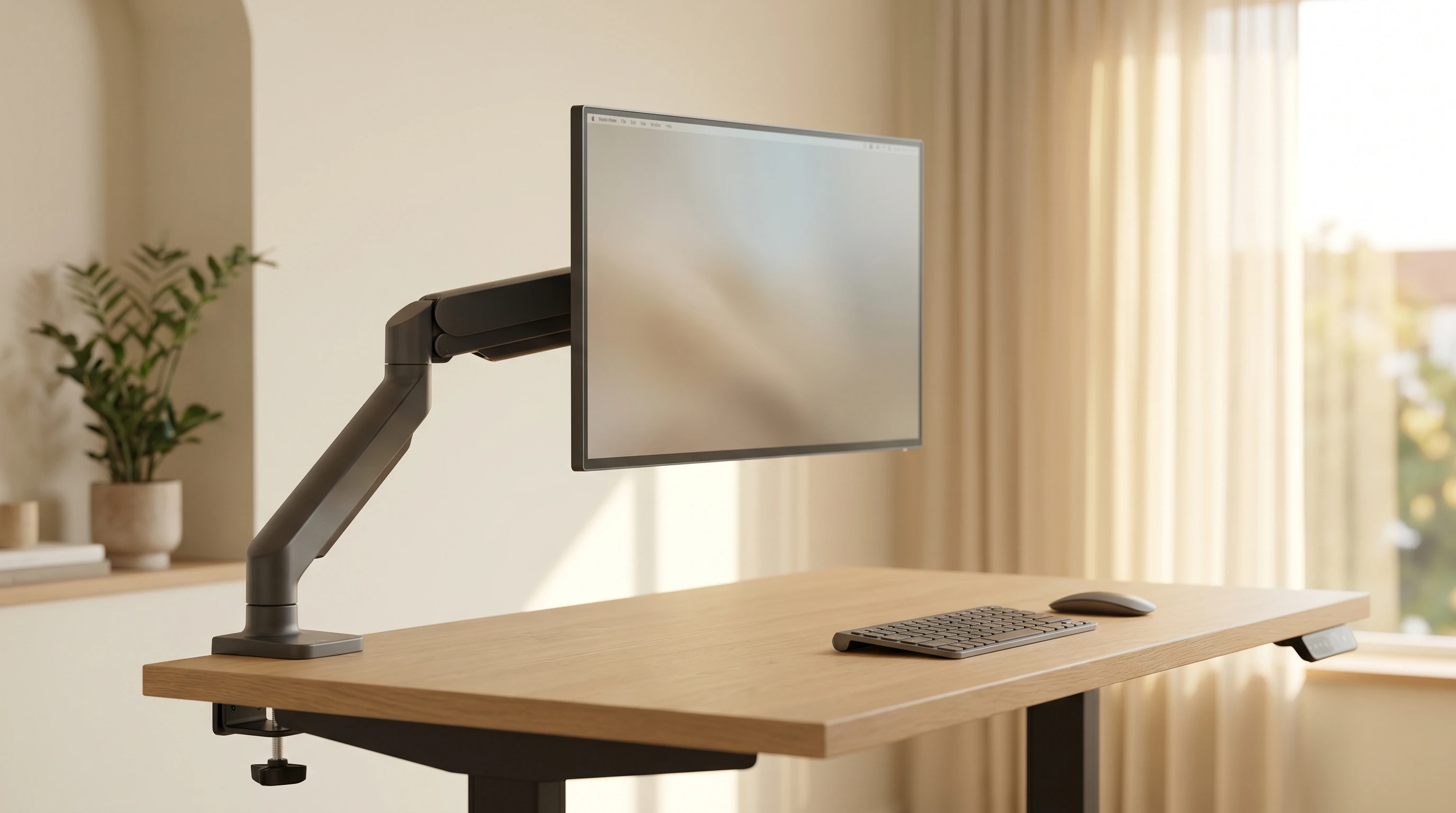
Best Monitor Arms for Standing Desks (2026)
Best monitor arms for standing desks in 2026. Single and dual options under $50 that free up desktop space and make height adjustments actually easy.
Guides
How to Choose a Monitor Arm for Your Desk
How to choose a monitor arm: VESA fit, weight ratings, clamp vs grommet, gas spring vs friction, and reach, so you buy one that fits your desk the first time.
How to Position Your Monitor: Height, Distance, and Angle
How to position your monitor for less neck and eye strain: the correct height, distance, and tilt, plus fixes for laptops, dual, and ultrawide setups.
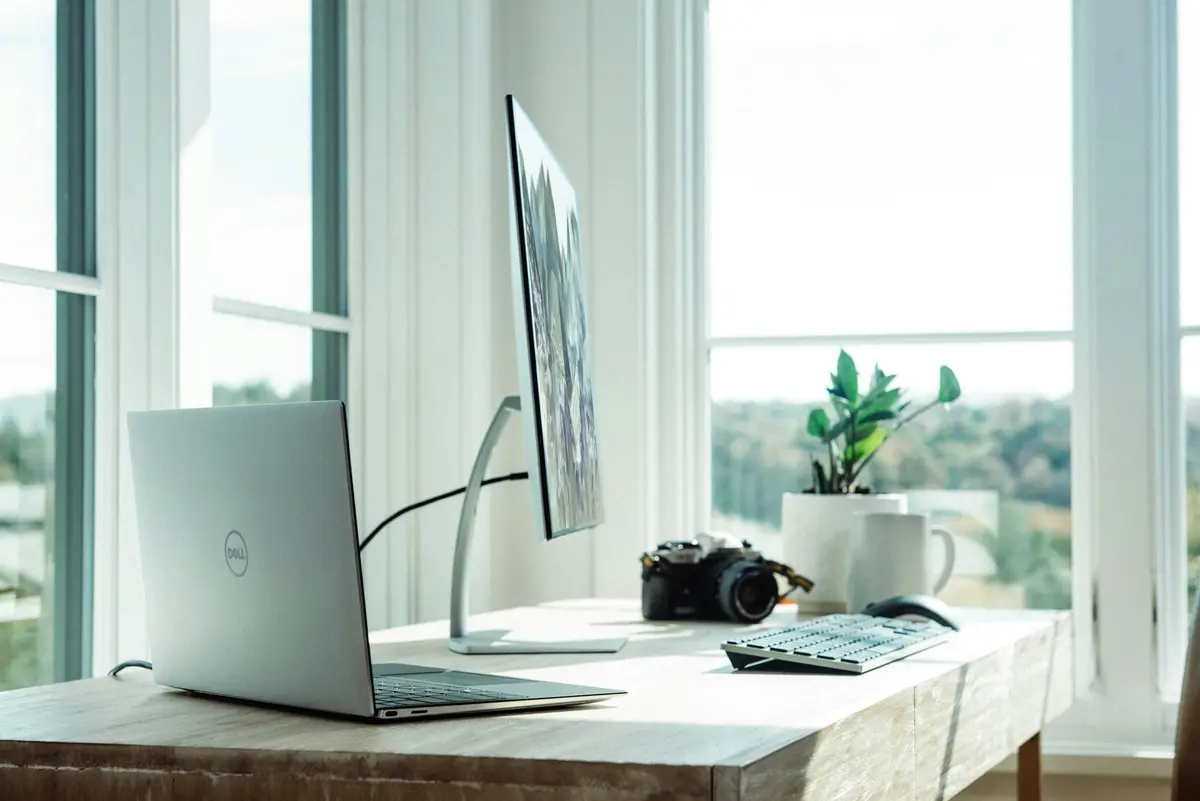
Budget Dual-Monitor Standing Desk Setup Guide
Build a dual-monitor standing desk setup under $400 in 2026. Desk, monitor arms, cables, and ergonomic positioning. Real gear, real prices, no filler.
Frequently Asked Questions
- Do I really need a monitor arm for a standing desk?
- Not technically required, but practically speaking, yes. Without an arm, your monitor sits at a fixed height relative to the desk surface. When the desk is at standing height, that position is almost never correct for your eye level. An arm lets you set the monitor height independently, which is the only way to maintain correct ergonomic positioning in both sit and stand modes.
- Are cheap monitor arms safe?
- Yes, if you stay within the rated weight limit. Budget arms in the $25-50 range from HUANUO, VIVO, and similar brands handle monitors up to 17.6 lbs reliably. Check your monitor's weight before ordering. The quality difference between budget and premium arms shows up in cable management and build feel, not in basic structural safety within the rated range.
- Can I use a monitor arm on any desk?
- Most clamp-mount arms work on any desk with at least 0.75 inch edge thickness. Very thin desks (under 0.5 inches) or desks with beveled edges can cause clamp slippage. Grommet mounts are a more secure alternative if your desk has a grommet hole or you are willing to drill one. Always check the desk edge thickness before ordering a clamp-mount arm.
- What is the correct monitor height for a standing desk?
- The top of your monitor should be at or slightly below eye level when you are in your normal sitting or standing position. Your eyes should naturally fall on the upper third of the screen. This typically means the center of a 27-inch monitor sits about 2 to 4 inches below eye level. Adjust the arm to that position rather than using the desk surface height as your reference.